Quick answer
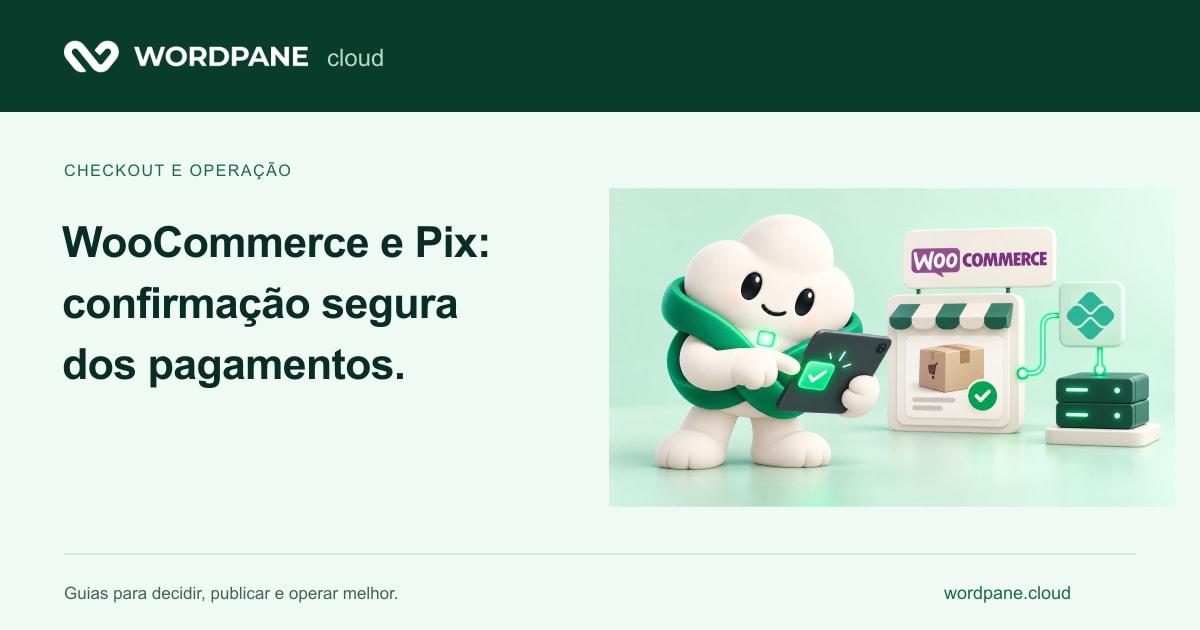
In WooCommerce, a Pix order should move to fulfillment only when the integration confirms payment under the provider’s documented contract. The screen shown to the buyer and receipt of a notification are not enough. The system must authenticate events, retrieve the authoritative status when required, and recognize duplicate messages.
The sensitive part of a Pix checkout lies between creating a payment request and establishing that it has been paid. A store may display a QR code correctly yet fail to update the order, deliver a product twice, or leave a paid purchase waiting. Planning must connect the buyer’s experience to backend confirmation and the fulfillment team’s work.
- Create the order and payment request
- Receive authenticated event
- Verify and record the status
- Fulfill the order once
Separate the order, payment request and confirmed payment
The order represents the purchase intent and its items. The payment request represents the request created with the provider. Confirmation represents a status recognized by that integration. These objects may have different identifiers and timelines: generating a payment request does not mean receiving funds, and the browser’s return page is not the authoritative source of payment status.
Maintain an association between the order identifier and the corresponding resource at the provider. When an event arrives, the system must locate the correct purchase and verify the fields required by the contract, such as status, reference and amount. An identifier supplied by a visitor must not replace the association maintained on the server.
Choose the integration by the flow that it can demonstrate
Check compatibility with the WordPress, WooCommerce and PHP versions in use, component maintenance, documentation and the test environment. Also verify support for the checkout features and order storage used by the project. Do not choose a plugin merely because its description mentions Pix.
Ask to see the complete lifecycle: creation, expiration, confirmation, failure and any refund supported by the contracted service. This article does not certify an extension or establish a provider’s fees or terms. Check those conditions directly with the selected service and in the store’s actual configuration.
Authenticate notification according to provider documentation
A public notification endpoint can receive requests from any source. Validate the mechanism specified by the provider: signatures, the information required for verification, and retry handling. Do not trust a boolean field sent to the endpoint or a return URL that the buyer can open manually.
As a specific example, Mercado Pago’s Webhooks documentation describes the x-signature header and retrieval of the resource through its API. Do not copy that procedure as a universal rule for other providers: signature formats, events and requirements can differ. The shared objective is authenticated confirmation associated with the correct operation.
Do not confuse WooCommerce webhooks with Pix callback
WooCommerce also provides its own webhooks to notify other systems of store events. These are outgoing notifications, such as an order change. A callback sent by the payment provider to the integration is a different part of the architecture. Sharing a name does not mean they use the same protocol or credentials.
Document both directions when ERP, inventory or logistics systems are involved: the provider confirms to the store; the store records the change; other systems receive an appropriate event. This helps identify whether a problem occurred in payment confirmation, order state or the consumer of an outgoing event.
Treat duplicate messages and status changes
Retries are normal when the sender does not receive the expected response. The integration must recognize that an event or transition has already been processed. Use a stable identifier and a persistent operation record; a temporary in-memory variable does not protect the flow after a restart.
Consider a hypothetical purchase of digital material: the provider confirms payment, the store grants access, and the HTTP response is lost. The same event arrives again. The second execution must recognize the recorded state without granting another benefit, decrementing stock again or repeating an irreversible action. Also define allowed transitions when messages arrive out of order.
Connect payment status to order fulfillment
In WooCommerce, Processing and Completed describe different stages; behavior also depends on the product type and integration. Do not force every order to Completed as soon as an event arrives. Physical products may still need picking and shipping, while virtual products may follow different rules.
Define what customers see while waiting, when the team should intervene, and how to investigate a discrepancy. A pending order may reflect an unpaid request, a delayed notification or an integration failure. Support needs identifiers and records to distinguish these situations without asking buyers to expose sensitive data in public channels.
Keep the checkout out of an improper public cache
Page caching can help the catalog, but cart, account and checkout pages must preserve sessions and individual content. Test two buyers with independent sessions and check that items, data and states remain isolated. A fast page that displays another person’s session is a serious functional failure.
HTTPS, component updates, and minimum permissions are still required. Keep provider keys on the server and avoid placing them in JavaScript, repositories, or diagnostic logs. Records should help correlate events without indiscriminately storing credentials or the full content of requests.
Make a payment and recovery trial before the campaign
Use the provider’s test environment and official procedures. Do not generate real charges unnecessarily to simulate failures. Prepare cases with expected states and check the customer’s screen, the order record and external actions.
Include temporary store unavailability and subsequent recovery of the integration. Recovery must reconcile what the provider recognized with what the store recorded, without turning a retry into duplicate fulfillment. Document who can perform this reconciliation and what evidence they should examine.
- Create a test payment request and verify its association with the order.
- Simulate valid confirmation and check the expected transition.
- Resend the event and verify that the operation remains unique.
- Test an expired or unconfirmed payment request without releasing products.
- Abort a test step and perform documented recovery.
- Validate email, inventory and external integrations without unintended real-world actions.
Investigate incidents by sequence of events
Start with a specific purchase: time, order, payment reference and last known state. Check application and integration logs, HTTP errors, and processing of tasks required by the plugin. Higher CPU usage alone does not explain why a notification was rejected.
Measure the time between received confirmation and the order update, and look for recurring failures. Set useful operational alerts without treating every pending purchase as an error. The team must distinguish an integration that needs attention from a purchase simply awaiting buyer action.
How WordPane contributes to store operation
On WordPane, WordPress tools and the test environment help organize updates and validate checkout before changing the public site. Server logs and metrics help investigate application failures and capacity during operation. Configuring backups with external storage helps prepare a verifiable recovery of data and files.
These features make up the operating base; the payment contract, the Pix plugin and the confirmation logic belong to the integration chosen. See the WordPress and backup guides, register the store requirements and confirm the compatible environment. Thus, the infrastructure is chosen according to the actual checkout, and not just the amount of visitors.
Prepare the infrastructure of your WordPress store
Describe your checkout, integrations and recovery process to assess an environment suited to the operation.
Plan my store with WordPaneConsult panel documentation