Applications
WooCommerce and Pix: how to securely confirm payments
Organize payment requests, confirmation, order status and Pix tests in WooCommerce, without releasing products on the basis of an unverified notification.
Read the full guide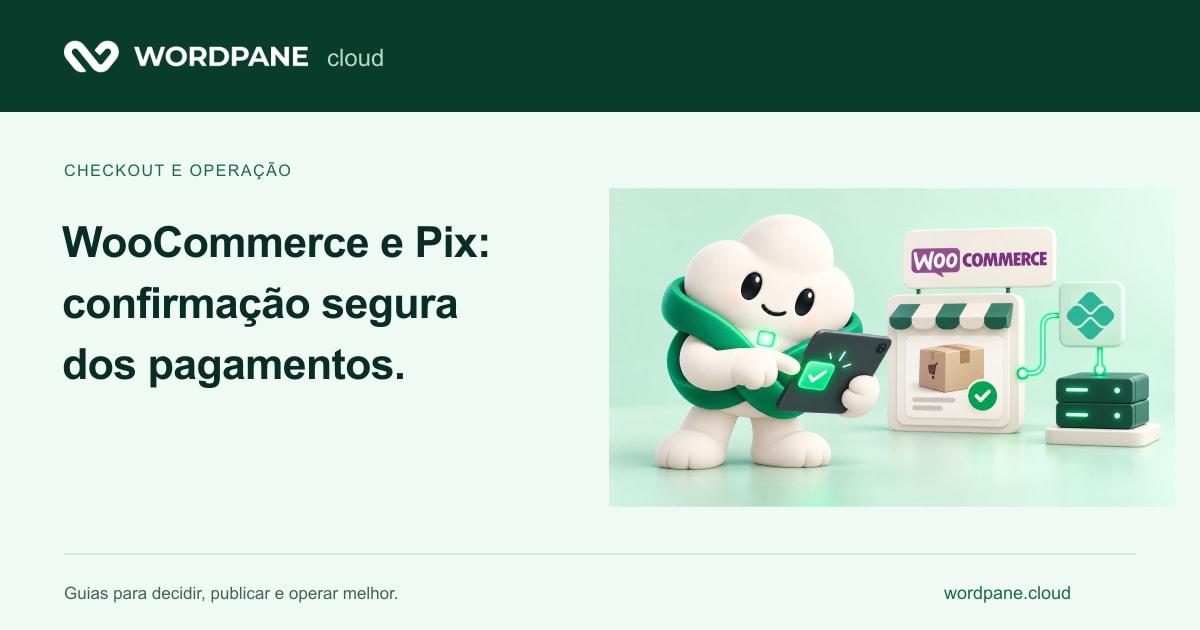
Practical guides to develop with AI, publish modern applications and organize operation by WordPane panel.
Organize payment requests, confirmation, order status and Pix tests in WooCommerce, without releasing products on the basis of an unverified notification.
Read the full guide1–12 of 30 articles
Organize payment requests, confirmation, order status and Pix tests in WooCommerce, without releasing products on the basis of an unverified notification.
Assess when Docker Compose fits a server deployment and plan persistence, ports, service health, secrets, updates and backup.
Understand how connection pools, query plans, indexes, VACUUM and ANALYZE relate to the capacity and routine of a PostgreSQL application.
Distinguish field data from lab tests, identify the causes of LCP, INP and CLS issues, and prioritize user experience rather than a score alone.
Understand how to move tasks out of the request path, acknowledge processing, and handle duplication, retries and failures without losing operational control.
Learn about the critical PHP vulnerabilities disclosed in October 2026 and WordPane Cloud’s response, with fixes on customer servers from day one.
WordPane Cloud supports WordCamp Brasil 2026 on October 30–31 in Belo Horizonte. Learn about our ties to the community and the offer for new accounts.
From build to domain: publish a Astro site in WordPane, configure the public folder and prepare updates by Git without confusing static with SSR.
Publish a React interface with Vite, separate frontend and backend and review authentication, variables and routes before receiving customers.
Choose between static export and Node server, plan database, streaming and costs, and understand WordPane's role in Next.js deploy.
Prepare Nuxt sites and systems for publication, differentiate static Node server generation, and organize domain, data and deploy on WordPane.
Understand adapters, static output and Node server on SvelteKit and prepare a publication with persistent data and operation by WordPane panel.
Compare WordPress, static sites and CMS headless by editorial work, integrations and operation, without migrating only by trend.
Plan a Laravel SaaS with database, queues and AI integrations and publish with webroot, users and processes organized in the WordPane panel.
Plan AI automations in n8n, organize credentials and persistence and prepare tests, limits and recovery from WordPane environment.
Organize an assistant who consults documents, defines permissions and gives references; plan backend, index, files and costs in WordPane.
Create a review, build, post and recovery flow for projects developed with AI and use the Git integration of the WordPane panel clearly.
Compare the stacks available in WordPane and choose the environment for WordPress, stores, PHP applications, APIs and projects with artificial intelligence.
Understand where Nginx adds value, how proxy organizes an application and what care to take when connecting websites and APIs to AI services.
See when Apache makes sense for PHP applications, how to review rules and extensions, and how to add AI without rewriting the entire system.
Learn the role of cache in WordPress with OpenLiteSpeed and learn how to distinguish public pages from custom areas and AI integrations.
Plan APIs and wizards with Node.js, control external calls and know what to validate in WordPane beta stack Node.js.
Explore screening, integration and review flows with n8n and AI, considering database, credentials, costs and reliable execution.
See how to use AI in the editorial stream of WordPress, maintaining human review, brand identity and a compatible infrastructure.
Organize a performance search, differentiate page and data cache, and plan optimizations for applications with or without AI.
Compare usage profiles for Standard instances and dedicated CPU and understand how AI applications and integrations influence sizing.
Plan copies, restore and permissions for websites, automations and AI projects, considering the client's responsibilities at WordPane.
Learn WordPane flow, stack freedom and panel management, and organize a migration with clear validation criteria.
Prepare a briefing with users, simultaneity, databases, AI calls and costs to scale your project infrastructure.
Meet Toolkit and Blueprint to organize WordPress maintenance and standardize new installations with reusable themes, plugins and preferences.
Compare the available settings or count the requirements to scale a tailor-made solution.